
Context Engineering for Vibe Coders: Stop AI from Guessing
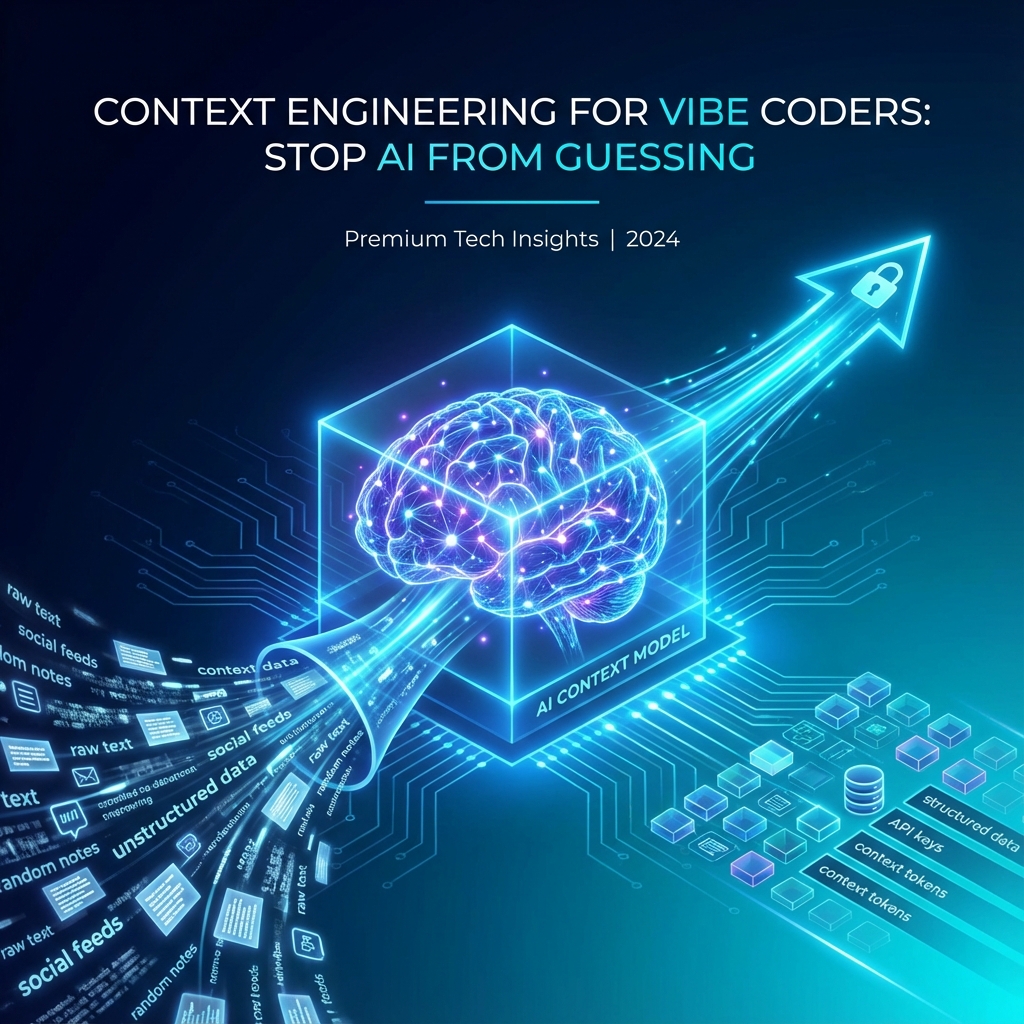
Vibe coding fails because AI tools lack context. Learn context engineering: how to structure project knowledge so AI tools stop guessing and start implementing.
TL;DR: "Vibe coding" feels productive until AI starts inventing. Context engineering is the discipline of structuring project knowledge so AI tools have reliable ground truth.
Table of Contents
- Why Vibe Coding Breaks Down
- What is Context Engineering?
- The Context Hierarchy
- Context Sources Ranked
- Building Your Context Kernel
- Feeding Context to AI Tools
- Common Mistakes
- Context Maintenance
- Free Resources
Why Vibe Coding Breaks Down
Vibe coding = prompting AI with loose descriptions and iterating until it works.
It feels fast at first:
Day 1: "Build a todo app" → Working prototype in 2 hours!
Day 2: "Add user auth" → Works after 3 attempts
Day 5: "Add team sharing" → Breaking existing features
Day 10: "Why is nothing working anymore?"
The Breaking Point
Vibe coding fails around:
- 1,000 LOC: Too much code for AI to track
- 3+ features: Interactions cause conflicts
- Any team: Different vibes, different outputs
Root Cause
AI tools have context windows, not project knowledge. Each prompt starts fresh. Without persistent context, they reinvent patterns, forget conventions, and contradict previous code.
What is Context Engineering?
Context engineering is the discipline of:
- Capturing project knowledge in structured documents
- Organizing documents into a hierarchy
- Loading the right context for each AI interaction
- Maintaining context as the project evolves
The Context Equation
Reliable AI Output = Relevant Context + Clear Task
Without context: AI guesses. With context: AI implements.
Context vs Prompting
| Prompting | Context Engineering |
|---|---|
| One-shot instructions | Persistent knowledge base |
| Hopes AI remembers | Explicitly loads what's needed |
| Different output each time | Consistent patterns |
| Breaks at scale | Scales with project |
The Context Hierarchy
Context layers from global to specific:
┌─────────────────────────────────────────────┐
│ Level 5: Task Context                       │
│ (specific file, specific function)          │
├─────────────────────────────────────────────┤
│ Level 4: Implementation Specs               │
│ (API spec, schema, component inventory)     │
├─────────────────────────────────────────────┤
│ Level 3: Feature Specs                      │
│ (PRD, user stories, acceptance criteria)    │
├─────────────────────────────────────────────┤
│ Level 2: Project Context                    │
│ (architecture, tech stack, patterns)        │
├─────────────────────────────────────────────┤
│ Level 1: Global Rules                       │
│ (coding standards, conventions, principles) │
└─────────────────────────────────────────────┘
What Each Level Provides
| Level | Contains | Prevents |
|---|---|---|
| L1: Global | Coding standards, naming conventions | Style inconsistencies |
| L2: Project | Architecture, tech stack, patterns | Wrong integrations |
| L3: Feature | PRD, scope, acceptance criteria | Scope creep |
| L4: Implementation | API spec, schema, components | Hallucinated APIs |
| L5: Task | File context, function context | Wrong references |
Context Sources Ranked
Not all context is equal. Ranked by reliability:
| Rank | Source | Reliability | Why |
|---|---|---|---|
| 1 | Spec documents | ⭐⭐⭐⭐⭐ | Authoritative, maintained |
| 2 | Actual code | ⭐⭐⭐⭐ | Real but may be wrong |
| 3 | Comments | ⭐⭐⭐ | Often outdated |
| 4 | Commit messages | ⭐⭐ | Context-light |
| 5 | Conversation memory | ⭐ | Volatile, summarized |
| 6 | AI's training data | ⭐ | Generic, not your project |
Key Insight
If you don't provide explicit context (ranks 1-4), AI falls back to its training data (rank 6). That's when hallucinations happen.
Building Your Context Kernel
The context kernel is the core set of documents that define your project:
Minimum Viable Kernel
AGENTS.md— Operating rules for AI agentsprd.md— What you're building, what you're notarchitecture.md— How components connectapi-spec.yaml— Endpoint contractsschema.md— Database structure
Kernel Structure
your-project/
├── docs/
│   ├── AGENTS.md        # AI operating rules
│   ├── prd.md           # Product requirements
│   ├── architecture.md  # System design
│   ├── api-spec.yaml    # Endpoints
│   ├── schema.md        # Database
│   └── tech-stack.md    # Technologies
├── .cursor/rules/       # Cursor-specific
├── .clinerules          # Cline-specific
└── src/
Example: AGENTS.md
## AI Operating Rules

## Context Loading

Before implementing any feature:

1. Load `/docs/prd.md` for scope
2. Load `/docs/architecture.md` for patterns
3. Load relevant spec (API or schema)

## Implementation Rules

- ONLY implement features in the PRD
- ONLY use endpoints in api-spec.yaml
- ONLY query columns in schema.md
- Follow patterns in architecture.md

## When Uncertain

- Ask for clarification
- Reference the spec section that's unclear
- Do NOT invent solutions
Feeding Context to AI Tools
Cursor
- Add rules to
.cursor/rules/ - Use
@filereferences in prompts - Enable "include open files"
Using @docs/api-spec.yaml and @docs/prd.md:
Implement the POST /api/projects endpoint.
Real-World Example: Enforcing Tech Stack
Create .cursor/rules/tech-stack.mdc to stop common hallucinations:
---
description: Tech Stack & Coding Standards
globs: **/*.ts, **/*.tsx
---

# Tech Stack Standards

- **Framework**: Next.js 15 (App Router)
- **UI**: Tailwind CSS + Shadcn/UI
- **State**: Server Actions (No API routes unless external)
- **Database**: Supabase (PostgreSQL)

## Critical Rules

1. ALWAYS use `lucide-react` for icons. NEVER use `lucide`.
2. ALWAYS use `const` components, never `function`.
3. NEVER assume columns exist. Check `@schema.md`.
Cline
- Create
.clineruleswith context loading instructions - Use explicit file references in prompts
- Create task templates
Context: /docs/schema.md, /docs/api-spec.yaml
Task: Create the project creation flow
Constraints: Only use defined endpoints and columns
v0 / Lovable
- Paste relevant spec sections in prompts
- Include component inventory for UI work
- Reference specific acceptance criteria
Common Mistakes
Mistake 1: Context in Head, Not in Docs
❌ "I know what the API should look like" ✅ Document it in api-spec.yaml
Mistake 2: Docs in Notion, Code in Repo
❌ Context split across tools ✅ Docs in same repo, referenced in prompts
Mistake 3: Generic Rules
❌ "Write clean code" ✅ "Use camelCase for functions, PascalCase for components"
Mistake 4: No Non-Goals
❌ PRD only says what to build ✅ PRD explicitly lists what NOT to build
Mistake 5: Never Updating Context
❌ Wrote specs once, forgot them ✅ Update specs when implementation reveals changes
Context Maintenance
Context decays. Here's how to keep it fresh:
Update Triggers
| Event | Update Action |
|---|---|
| New endpoint added | Update api-spec.yaml |
| Schema migration | Update schema.md |
| Architecture change | Update architecture.md |
| Feature shipped | Mark complete in PRD |
| Feature cut | Move to non-goals |
Weekly Review
- Are specs matching implementation?
- Any new patterns to document?
- Any deprecated patterns to remove?
Validation
Periodically validate with:
@all-specs - Is this implementation correct per our specs?
Free Resources
Templates
- SDD Template Pack — Full context kernel
- PRD Template — Scope + non-goals
- Architecture Template — System design
Guides
Tools
- Spec Readiness Score — Check your context coverage
- PRD Generator — Generate your first PRD for free
- Cursor Rules Generator — Create .cursorrules for your tech stack
- Scope Lock Wizard — Split MVP from Post-MVP features
Build your context kernel in minutes. Generate from a brain dump →
Last updated: January 2026
Context Ark Team
Writing about AI, documentation, and developer tools
Turn Brain Dumps into PRDs
Don't let AI guess your requirements. Generate a structured PRD with acceptance criteria instantly.