
PRD Acceptance Criteria Examples for AI Apps (Copy & Paste)
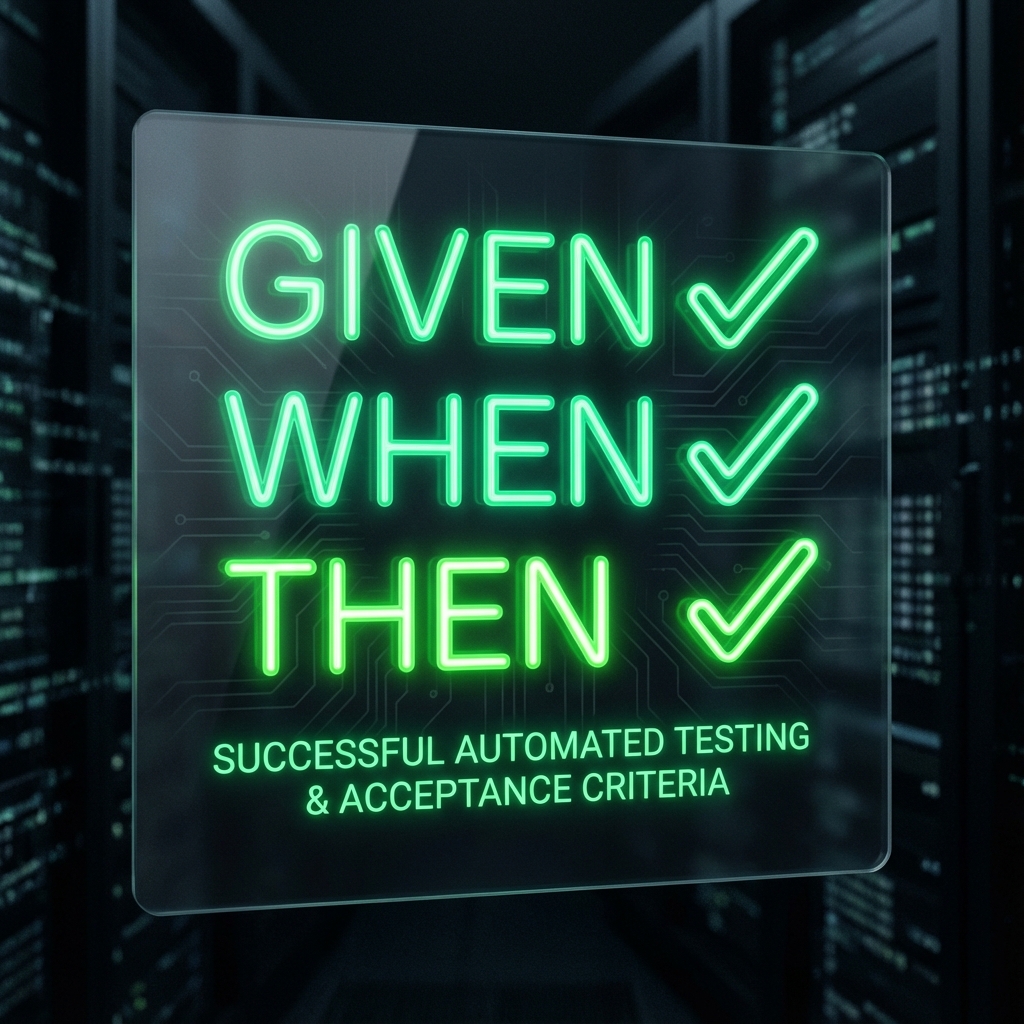
Stop AI from hallucinating features. Use these Given/When/Then acceptance criteria examples for login, dashboards, and settings to locking down your spec.
TL;DR: AI coding tools need binary "done" states. Use the Given/When/Then format in your PRD to prevent hallucinations. Generate a full PRD with ACs automatically →
Table of Contents
- Why AI Needs Specific Acceptance Criteria
- The Magic Format: Given / When / Then
- Example 1: User Login & Auth
- Example 2: Dashboard Data Display
- Example 3: File Uploads
- Example 4: Search & Filtering
- How to Generate These Automatically
Why AI Needs Specific Acceptance Criteria
If you tell Cursor or Cline to "build a login page," they will hallucinate. They might add detailed animations you didn't ask for, or worse, skip error handling completely.
Acceptance Criteria (AC) are the "definition of done." For AI agents, they act as test cases that the agent must pass before moving to the next task.
Without ACs: ❌ "Make the dashboard look good." (AI hallucinates random charts)
With ACs: ✅ "Then the dashboard displays the active project count." (AI builds exactly that)
Pro Tip: Check if your current spec has enough ACs with the Spec Readiness Score.
The Magic Format: Given / When / Then
The standard for AI-readable AC is the Gherkin syntax. It removes ambiguity.
- Given: The starting state (precondition)
- When: The user action (trigger)
- Then: The exact result (outcome)
The Template
**US-001: [Feature Name]**

**Acceptance Criteria:**

- [ ] **Given** [state], **when** [action], **then** [outcome].
- [ ] **Given** [state], **when** [action], **then** [outcome].
Example 1: User Login & Auth
Authentication is where most projects fail security checks. Be explicit about error states.
User Story
As a User, I want to log in with email/password so that I can access my private dashboard.
Acceptance Criteria
- Given I am on the
/loginpage, when the page loads, then I see email and password fields and a "Sign In" button. - Given valid credentials, when I click "Sign In", then I am redirected to
/dashboard. - Given invalid credentials, when I click "Sign In", then I see a red error message: "Invalid email or password."
- Given I am logged out, when I try to visit
/dashboard, then I am redirected to/login.
Example 2: Dashboard Data Display
Prevent AI from inventing metrics you don't track.
User Story
As a Project Manager, I want to view my project stats so that I can track progress.
Acceptance Criteria
- Given I have 3 active projects, when I load the dashboard, then I see "Active Projects: 3".
- Given I have one project with an error status, when I load the dashboard, then that project card has a red border.
- Given I have no projects, when I load the dashboard, then I see an empty state with a "Create Project" button.
- Given the data is loading, when I first arrive, then I see a skeleton loader (not a blank screen).
Example 3: File Uploads
Complex interactions need strict edge-case definitions.
User Story
As a User, I want to upload a CSV file so that I can import my data.
Acceptance Criteria
- Given I drag a
.csvfile into the dropzone, when I release it, then the upload starts automatically. - Given I try to upload a
.pngfile, when I select it, then I see an error: "Only CSV files are allowed." - Given a file larger than 5MB, when I try to upload, then the request is blocked with an error: "File too large."
- Given a successful upload, when complete, then I see a success toast and the new data appears in the table.
Example 4: Search & Filtering
Search is often over-engineered. Lock the scope.
User Story
As a User, I want to search my tasks so that I can find specific items.
Acceptance Criteria
- Given a list of 50 tasks, when I type "bug" in the search bar, then only tasks containing "bug" in the title are shown.
- Given no matching results, when I search, then I see "No tasks found."
- Given I clear the search bar, when I click "X", then all tasks are shown again.
- Given I type deeply, when I stop typing for 300ms, then the search executes (debounced).
How to Generate These Automatically
Writing these by hand is tedious. It's also easy to forget edge cases like "empty states" or "loading states."
Usage Context Ark to generate them:
- Go to the Free PRD Generator.
- Enter your app idea (e.g., "A kanban board for solo devs").
- The AI will generate a complete PRD with User Stories and Acceptance Criteria pre-filled.
Why It's Better
The generator is trained on thousands of standard app flows. It remembers to add:
- Loading states
- Error handling
- Empty states
- Form validation
Next Step: Generate your first PRD now (Free) →
Related Guides
- PRD Template for AI Apps — The markdown template these examples belong in.
- Specification Readiness Score — Test if your current specs are detailed enough.
- Spec-Driven Development — The full methodology.
Context Ark Team
Writing about AI, documentation, and developer tools
Turn Brain Dumps into PRDs
Don't let AI guess your requirements. Generate a structured PRD with acceptance criteria instantly.