
How to Stop Cursor from Hallucinating React Components
Why does Cursor keep inventing imports ensuring styles that don't exist? It's not the model—it's the context. Here is how to fix it.
How to Stop Cursor from Hallucinating React Components
It’s 2 AM. You’re in the flow. You ask Cursor Composer to "Create a settings modal."
It generates a beautiful component. You save it. You run it. CRASH.
Module not found: Can't resolve '@components/ui/Modal'
You check your folder structure. You don't have a @components/ui/Modal. You use Radix UI. But Cursor decided you looked like a shadcn/ui kind of developer and just invented a file that doesn't exist.
This is a Hallucination. And it's the #1 killer of Vibe Coding productivity.
Why Cursor Lies to You
It’s important to remember that Large Language Models (LLMs) are not databases of truth. They are prediction engines.
When you say "Make a modal," the AI asks itself: "In all the React code I've ever seen on the internet, what usually follows this request?"
On the internet, 40% of React projects use MUI. 30% use Shadcn. 20% use raw CSS. If you don't tell Cursor which one you use, it guesses. And it guesses wrong.
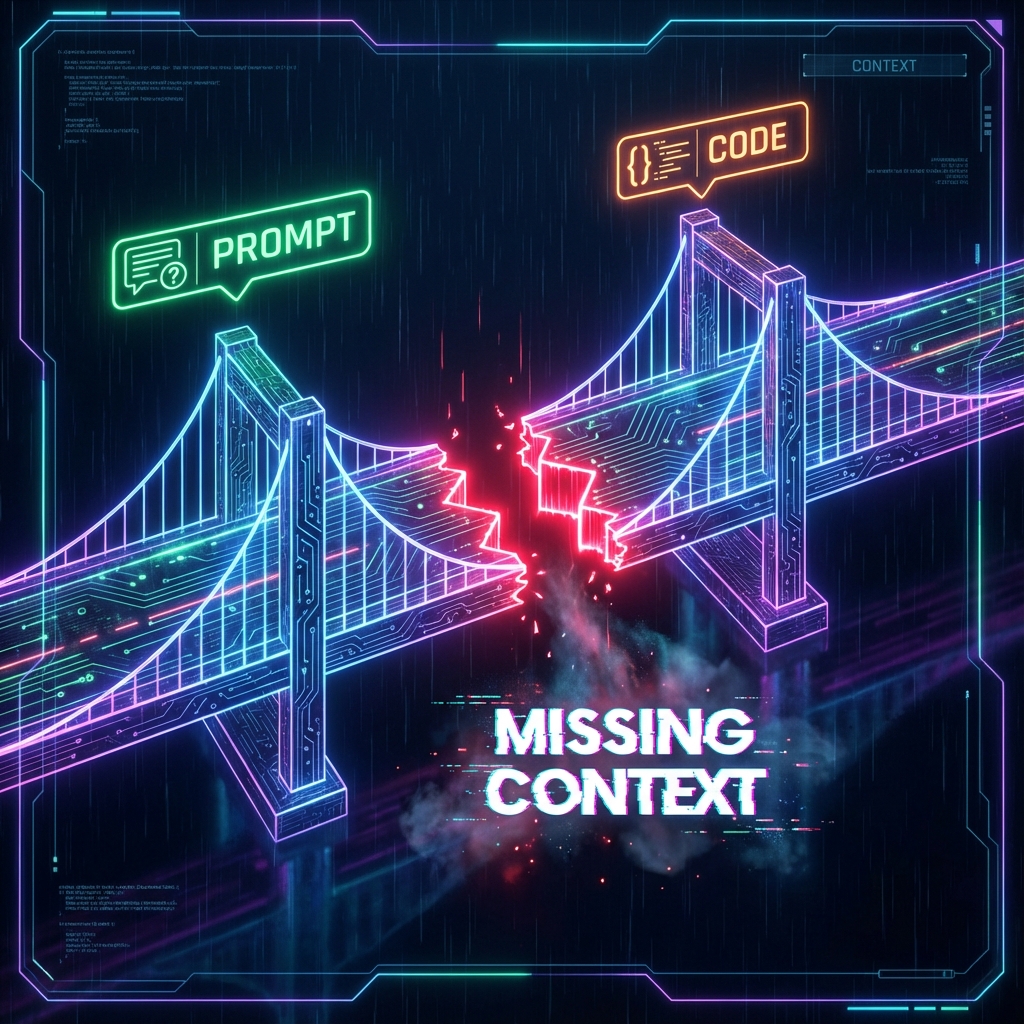
We call this the Context Gap.
- You know you use Tailwind and Headless UI.
- The AI only knows "Modal".
- The Result: A hallucinated components that breaks your build.
The Fix: Spec-Driven Prompts
The only way to stop hallucinations is to close the Context Gap. You need to treat your prompts like legal contracts.
The "Bad Vibes" Prompt
"Make a user profile card."
Why it fails: Cursor will invent styles, guess your props, and maybe even use class instead of className if it's feeling 2018.
The "Spec-Driven" Prompt
"Create a user profile card component.
- Use the
Card,Avatar, andBadgecomponents from@ui-kit/index.ts.- Style it using our design tokens in
@tailwind.config.js.- It must accept a
Usertype defined in@types/user.ts."
Why it works: You have removed the guesswork. The AI doesn't need to be creative about how to build it; it just needs to assemble the bricks you gave it.
Tactical Steps to Stop the Madness
You don't want to type that long prompt every time. Here is how to automate the context.
1. Define Your "Truth" (The Spec)
You need a document that defines the rules of your codebase.
- Tech Stack: (React 19, Tailwind, Supabase)
- Routing: (Next.js App Router)
- Styling: (Lucide Icons, Inter font)
Context Ark generates this automatically with its Spec Pack Generator. It creates a tech-stack.md that you can just @mention in every chat.
2. Use .cursorrules effectively
Cursor allows you to set global rules in a .cursorrules file.
Add this to the root of your project:
# .cursorrules

ALWAYS use the components available in `/src/components/ui`.
NEVER invent new import paths.
IF a component does not exist, ask me before creating it.
USE Tailwind CSS for all styling.
3. Feed the Context (The "Two-File Rule")
When asking for a new feature, always provide at least two context files:
- The Objective: A PRD or User Story describing what to do.
- The Constraint: A clear definition of what tools to use.
Example: The Difference Context Makes
Without Context (Hallucination)
import { Modal } from "some-random-lib"; // Error: Module not found

export const Settings = () => (
  <Modal isOpen={true}>
    <h1>Settings</h1>
  </Modal>
);
With Context Ark Spec (Clean Code)
import { Dialog, DialogContent } from "@/components/ui/dialog"; // Correct import!
import { Heading } from "@/components/ui/typography";

export const Settings = () => (
  <Dialog defaultOpen>
    <DialogContent>
      <Heading level={1}>Settings</Heading>
    </DialogContent>
  </Dialog>
);
Summary
Cursor isn't stupid. It's just guessing. Stop making it guess.
Want to generate hallucination-proof specs in 2 minutes? Use the Context Ark PRD Generator to create the context files that keep your AI honest.
Context Ark Team
Writing about AI, documentation, and developer tools
Is your spec ready for AI?
Vibe coding fails when context is missing. Get a readiness score and find out what you're forgetting.