
What to Include in a PRD (2026): Brain Dump Ledger + Checklist
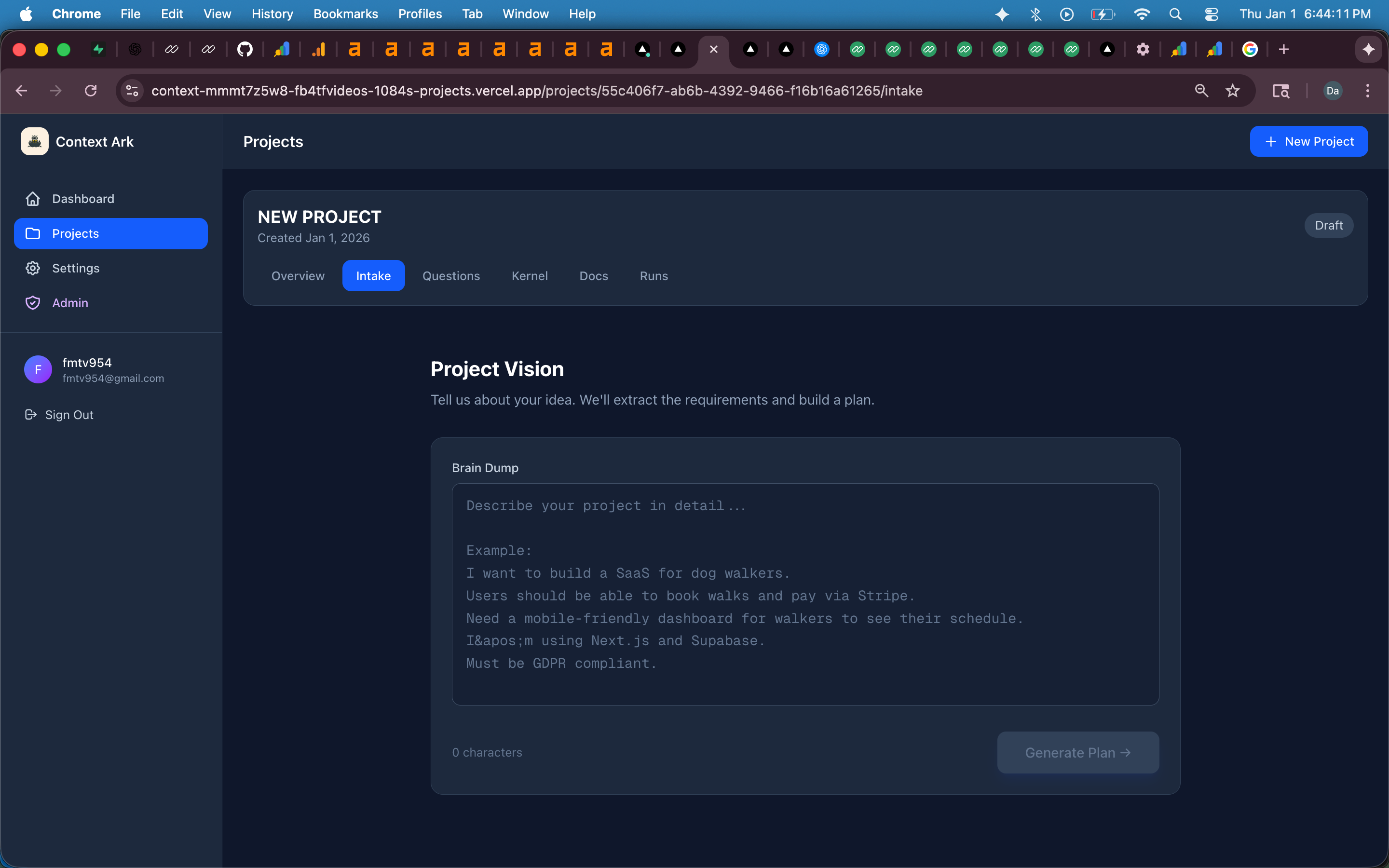
A practical PRD checklist + brain dump ledger (minimum → shipping-ready), examples, research prompts, and a copy/paste template. Turn it into a full PRD with Context Ark's free PRD generator.
A PRD (Product Requirements Document) is only "hard" because most people start with a vague idea and skip the details that prevent drift: non-goals, acceptance criteria, roles/permissions, and data/integration assumptions.
This guide gives you a Brain Dump Ledger you can follow (Minimum → Strong → Shipping-ready), plus a copy/paste template. If you fill this out, you'll create a PRD that's actually buildable (and AI tools won't invent random features).
✅ Want a PRD instantly?
Paste your brain dump into the free tool: Generate PRD from a brain dump (Free)
Need the definition + template too? PRD document template
TL;DR: The PRD checklist that prevents drift
If you only remember 6 things, include these in your PRD input:
- Goals (measurable)
- Non-goals (hard boundaries)
- Core features (MVP only)
- User flow (step-by-step)
- Acceptance criteria (pass/fail)
- Data + roles + integrations (what exists, who can do what, what connects)
Everything else is important — but those 6 prevent most "build drift."
The Brain Dump Ledger (Minimum → Shipping-ready)
Think of this as your "PRD fuel." The more you include, the better the PRD (and the fewer hallucinations / contradictions you'll get later).
Level 1 — Minimum (gets you a usable PRD)
Include this if you're starting from scratch:
- App name + one-liner: what is it?
- Target user: who it's for (1–3 personas)
- Problem: what pain are you solving?
- Core outcome: what does "success" look like?
- Top 3–5 features: bullets are fine
- Platform: web / mobile / PWA
- Constraints: must-have rules (time, budget, compliance)
✅ With Level 1, you can generate a PRD that's good enough to align stakeholders.
If you're missing Level 1 info, do this:
- Write a one-liner in this format:
"A {product} for {user} that helps {outcome} by {mechanism}." - List 3–5 features as verbs: "Create / Invite / Pay / Track / Export…"
Level 2 — Strong (recommended for build-ready PRDs)
Level 2 is where your PRD becomes "engineering friendly":
- Goals (measurable): KPIs + targets
- Non-goals: what you will NOT build
- User journey: step-by-step flow (entry → value → retention)
- Acceptance criteria: pass/fail checks for each feature
- Data objects (entities): User, Project, Order, Team, etc.
- Integrations: Stripe, Supabase, email, CRM, etc.
- Risks & edge cases: abuse, fraud, permissions, failure states
✅ With Level 2, you stop 80% of "scope creep disguised as help."
If you don't have Level 2 info, research fast:
- Search competitors and write:
"We copy X, avoid Y, and differentiate with Z." - For acceptance criteria, write:
"Given {state}, when {action}, then {expected result}."
Level 3 — Shipping-ready (best results + easiest to ship)
Level 3 makes your PRD "production-aware":
- Competitors / alternatives: 3–5 + what you'll copy/avoid
- Differentiators: why you win (not vibes)
- Pricing model: free/paid, tiers, credits, trial
- Permissions & roles: admin/user/manager + constraints
- Non-functional requirements: security, performance, logging, privacy
- Analytics events: the 10–20 events you must track
- Launch plan: MVP scope + milestones
✅ With Level 3, you're basically one click away from API spec + schema + architecture.
This is also where tools like Context Ark can "magically upsell" the full spec pack — because you already provided enough input to generate the rest.
The copy/paste PRD brain dump template (fast)
Paste this into your notes and fill it out. Bullet points are perfect.
App:
One-liner:

Users:
- Primary user:
- Secondary user:

Problem:
Why now:

Goals (KPIs):
-

Core features (MVP):
1)
2)
3)

Non-goals:
-

User flow (step-by-step):
1)
2)
3)

Requirements (key rules):
-

Acceptance criteria (pass/fail):
- Feature 1:
- Feature 2:
- Feature 3:

Data objects (entities):
-

Roles & permissions:
-

Integrations:
-

Constraints:
- Time:
- Budget:
- Compliance:

Risks / edge cases:
-

Analytics events (top 10):
1)
2)
3)

Competitors + notes:
-
"Good vs bad" examples (steal these patterns)
1) Goals (KPIs)
Bad: "Make onboarding better." Good: "Increase activation from 22% → 35% within 30 days. Activation = user completes onboarding + creates first project."
2) Non-goals
Bad: "We probably won't do mobile yet." Good: "Non-goal: Native iOS/Android in MVP. MVP is web-only. Mobile is a future milestone after validation."
3) Acceptance criteria
Bad: "Users can create projects." Good:
- Given the user is logged in, when they click "Create Project," then the project is created and appears in the list within 2 seconds.
- Given the project name is empty, when they submit, then show inline error "Project name required" and do not create a record.
- Given the user lacks permission, when they attempt creation, then block and show "You don't have access."
4) User flow
Bad: "User signs up then uses app." Good (step-by-step):
- Visit landing page → click "Start free"
- Create account → verify email
- Choose template → create first project
- Invite teammate (optional)
- Complete first action → see "success" state
- Return later → dashboard shows progress
Research prompts (when you're missing key info)
If you don't have certain fields, do 10–15 minutes of research and paste it into your dump.
Market & competitors
- "Top competitors for {your product category}"
- "Common features in {category} apps"
- "Pricing model for {competitor}"
- "Most complained about problems in {category} tools"
Users
- "Who buys {category} software and why?"
- "Top jobs-to-be-done for {persona}"
- "What are the biggest workflow bottlenecks for {persona}?"
Requirements & risks
- "Typical data model for {app type}"
- "Common security risks in {app type}"
- "Edge cases for {feature}"
- "Common failure modes for {integration}"
Common PRD mistakes that create build drift (and AI hallucinations)
If you want the PRD to be reliable, avoid these:
- Vague scope ("something like Uber")
- No non-goals (AI/teams "helpfully" add features)
- No acceptance criteria ("done" becomes subjective)
- Unclear roles/permissions (security and workflow bugs)
- No data objects (schema mismatch later)
- No integration assumptions (fake endpoints and payloads)
- No constraints (performance/security left to chance)
If your PRD has these gaps, you'll pay later in rework.
Turn your brain dump into a full PRD (free)
Once you have Level 1–3 input, generate the PRD:
✅ Generate PRD from a brain dump (Free) 📄 Prefer starting from a template first? PRD document
Why this makes upgrading feel natural (not salesy)
If the user fills Level 2–3, they've already provided:
- entities (data)
- roles (permissions)
- integrations
- constraints
- flows
That is exactly the input needed to generate:
- API outline
- schema draft
- architecture constraints
- test plan
So your PRD tool can truthfully say:
"You already provided enough context to generate the build specs."
And the upsell becomes: "Continue with Spark (free monthly) or unlock Growth/Scale to generate the full pack."
FAQ
What should a PRD include?
At minimum: problem, users, goals, MVP features, constraints. For build-ready PRDs: add non-goals, acceptance criteria, user flow, data objects, roles/permissions, integrations, and risks.
How long should a PRD be?
Long enough to remove ambiguity. Many great PRDs are 2–6 pages for MVPs, longer for complex products. If it's vague, it's too short.
What are non-goals in a PRD?
Non-goals are explicit statements of what you will NOT build in the current scope. They prevent scope creep and "helpful" feature invention.
What are acceptance criteria?
Acceptance criteria are pass/fail requirements that define "done." They make QA and implementation unambiguous.
PRD vs user stories vs tickets — what's the difference?
PRD = product intent and scope. User stories = feature behavior from a user perspective. Tickets = execution tasks for engineering.
Next steps
- Generate your PRD now
- Start from a PRD template
- Learn the spec-first workflow → /blog/spec-driven-development-for-ai-coding
- Fix drift/hallucinations → /blog/how-to-stop-ai-hallucinating-code
Context Ark Team
Writing about AI, documentation, and developer tools
Turn Brain Dumps into PRDs
Don't let AI guess your requirements. Generate a structured PRD with acceptance criteria instantly.